Back to Blog
Design
UI/UX Design Trends Shaping 2026
Explore the latest UI/UX design trends that are defining user experiences in 2026 and beyond.
Emma Wilson
Author
10 January 2026
10 min read
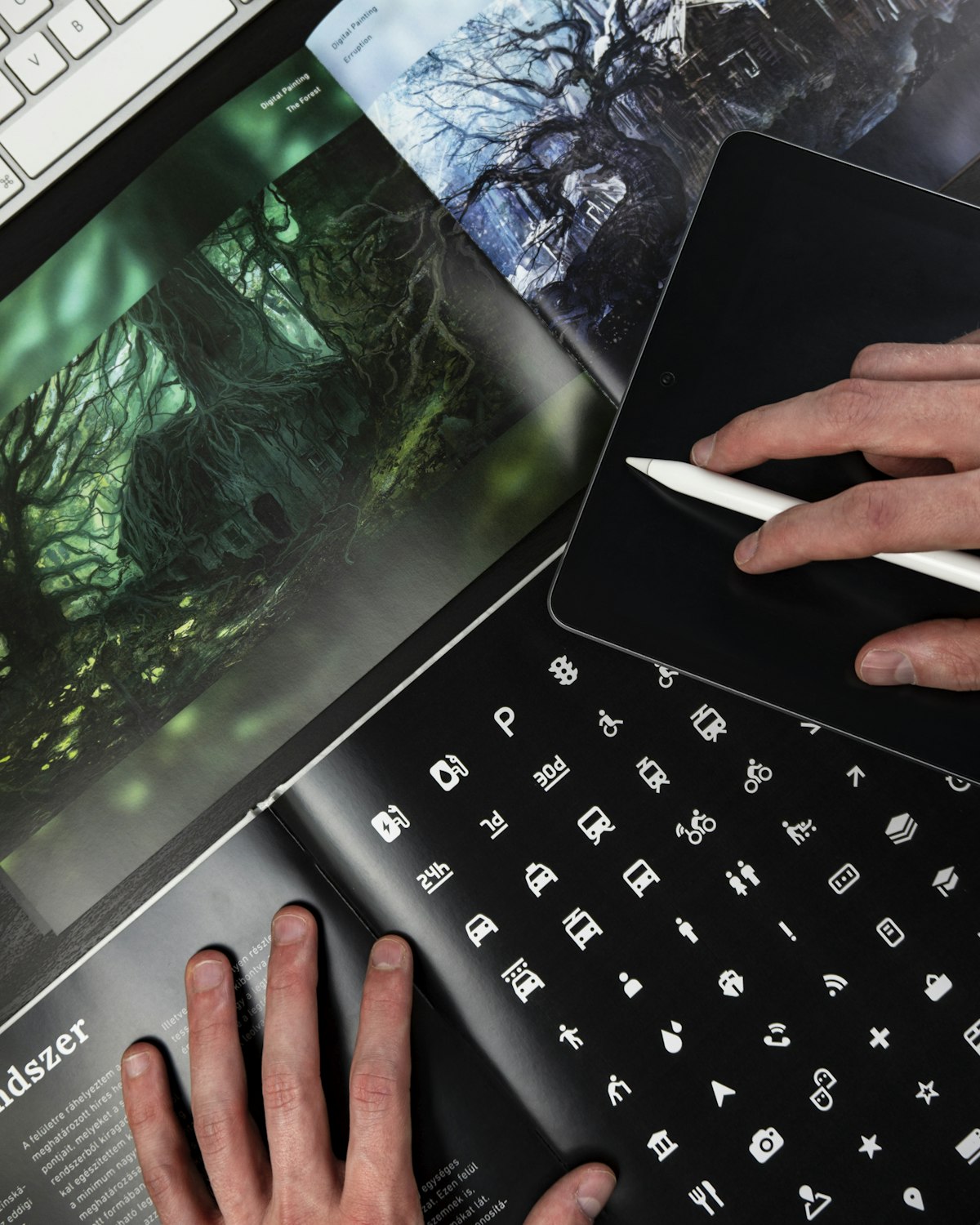
# UI/UX Design Trends 2026Dynamic Interfaces
Interfaces that adapt to individual users:
Design evolves rapidly. Here are the trends defining exceptional user experiences in 2026.
1. AI-Powered Personalization
#
Dynamic Interfaces
Interfaces that adapt to individual users:- Personalized layouts
- Custom content ordering
- Predictive UI elements
- Adaptive complexity
#
Implementation
```javascript
const getPersonalizedLayout = (user) => {
const preferences = analyzeUserBehavior(user);
return generateLayout(preferences);
};
```
- Custom content ordering
- Predictive UI elements
- Adaptive complexity
#
Implementation ```javascript const getPersonalizedLayout = (user) => { const preferences = analyzeUserBehavior(user); return generateLayout(preferences); }; ```
2. Neomorphism 2.0
#
Soft UI Evolution
- Subtle shadows and highlights
- Tactile, realistic interfaces
- Depth without flat design
- Better accessibility
#
CSS Example ```css .neomorphic-button { background: #e0e5ec; border-radius: 20px; box-shadow: 20px 20px 60px #bebebe, -20px -20px 60px #ffffff; } ```
3. Micro-Interactions
#
Purpose
- Provide feedback
- Guide users
- Add delight
- Improve perceived performance
#
Examples
- Button hover states
- Loading animations
- Success confirmations
- Swipe gestures
4. Dark Mode by Default
#
Benefits
- Reduces eye strain
- Saves battery (OLED)
- Modern aesthetic
- User preference
#
Implementation ```javascript const theme = { light: { background: '#ffffff', text: '#000000' }, dark: { background: '#121212', text: '#ffffff' } }; ```
5. Voice User Interfaces
#
Growing Adoption
- Voice commands
- Voice search
- Audio feedback
- Accessibility
6. Augmented Reality Integration
#
Use Cases
- Virtual try-ons
- Product visualization
- Interactive experiences
- Spatial computing
7. Minimalism + Maximalism
#
Balance
- Clean layouts
- Bold typography
- Strategic use of color
- Generous white space
8. Motion Design
#
Purposeful Animation
- Smooth transitions
- Loading states
- Page transitions
- Scroll animations
9. Accessibility First
#
WCAG 2.2 Compliance
- Color contrast
- Keyboard navigation
- Screen reader support
- Focus indicators
10. Biometric Authentication
#
Seamless Security
- Face ID
- Touch ID
- Voice recognition
- Behavioral biometrics
Design Tools
#
Figma Collaborative design platform
#
Framer Interactive prototypes
#
Principle Animation tool
#
Adobe XD Complete design system
Best Practices
1. User research first 2. Design for accessibility 3. Test with real users 4. Iterate based on feedback 5. Stay consistent 6. Performance matters 7. Mobile-first approach
Conclusion
Great design in 2026 is:
- User-centered
- Accessible
- Personalized
- Performant
- Delightful
Stay current, but design for your users, not trends.
Share this article