User Research Methods for Better Product Design
Master essential user research techniques to build products that truly meet user needs and solve real problems.
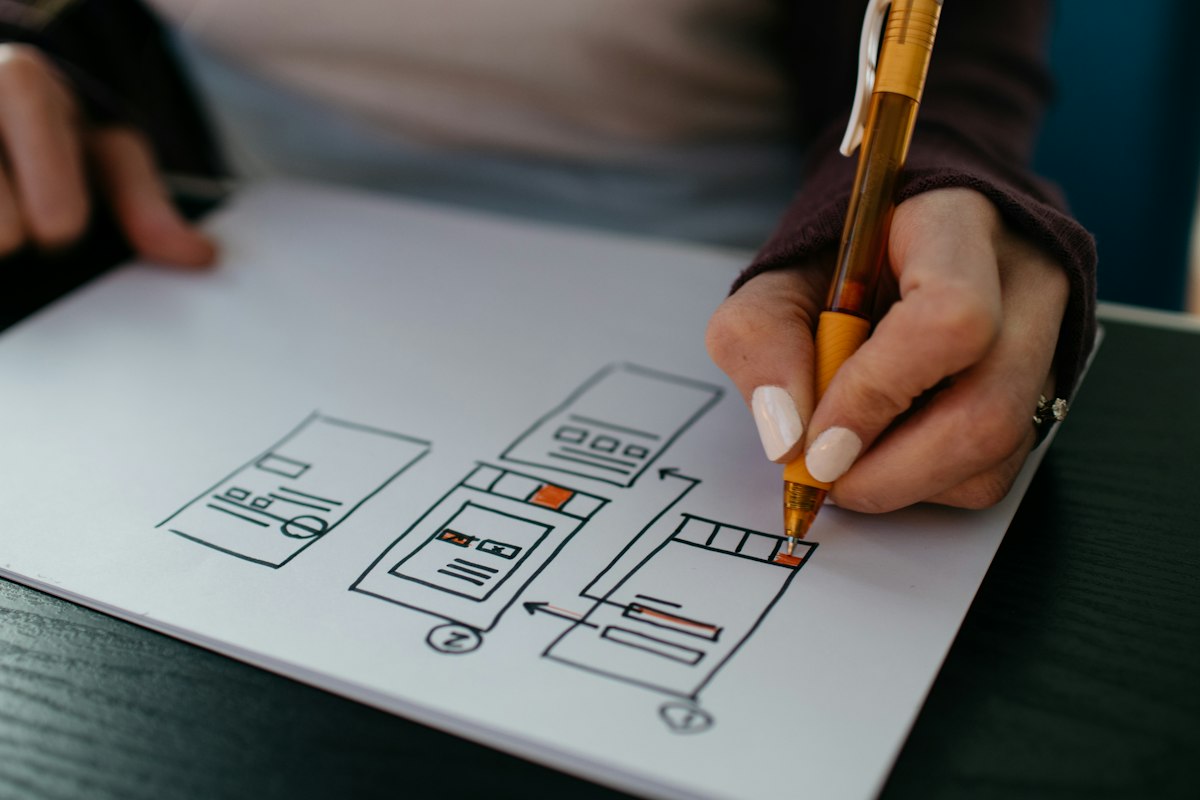
Great products start with understanding users. Here's how to do research that drives better design decisions.
Why User Research?
#
Benefits- Validate assumptions
- Discover real needs
- Reduce risk
- Build the right thing
- Improve usability
- Increase satisfaction
Research Methods
#
- Discover real needs
- Reduce risk
- Build the right thing
- Improve usability
- Increase satisfaction
Research Methods
#
1. User Interviews
When: Early discovery, validation Duration: 30-60 minutes Participants: 5-8 users
Questions:
- Tell me about...
- Walk me through...
- What challenges do you face with...
- How do you currently...
Tips:
- Ask open-ended questions
- Listen more than talk
- Dig deeper with "why"
- Record sessions
#
2. Surveys
When: Large sample needed Duration: 5-10 minutes Participants: 100+ users
Best Practices:
- Keep it short
- Clear questions
- Avoid leading questions
- Mix question types
- Offer incentives
#
3. Usability Testing
When: Prototype ready Duration: 30-45 minutes Participants: 5-8 users
Process: 1. Define tasks 2. Recruit participants 3. Prepare prototype 4. Observe (don't help) 5. Take notes 6. Analyze findings
#
4. Card Sorting
When: Information architecture Types: Open, closed, hybrid Participants: 15-20 users
Use for:
- Navigation structure
- Content organization
- Taxonomy development
#
5. A/B Testing
When: Optimization Duration: 1-2 weeks Sample: Statistical significance
What to test:
- Headlines
- CTAs
- Layouts
- Colors
- Copy
#
6. Analytics Review
Metrics to track:
- User flows
- Drop-off points
- Time on page
- Conversion rates
- Feature usage
#
7. Field Studies
When: Context important Duration: 1-3 hours Method: Observation in natural environment
Research Process
#
1. Define Goals
What do you want to learn?
#
2. Choose Methods
Match method to goals
#
3. Recruit Participants
Find right users
#
4. Conduct Research
Gather data
#
5. Analyze Findings
Identify patterns
#
6. Share Insights
Communicate learnings
#
7. Take Action
Implement changes
Creating Personas
#
Components
Demographics
- Age, location, occupation
Goals
- What they want to achieve
Behaviors
- How they act
Pain Points
- Current frustrations
Motivations
- Why they do things
#
Example Persona
``` Name: Sarah, The Busy Professional Age: 32 Occupation: Marketing Manager
Goals:
- Save time on tasks
- Stay organized
- Work efficiently
Behaviors:
- Mobile-first
- Uses multiple tools
- Values simplicity
Pain Points:
- Too many apps
- Switching contexts
- Complex interfaces
Needs:
- All-in-one solution
- Quick access
- Minimal learning curve
```
Journey Mapping
#
Stages
1. Awareness: Discovers problem 2. Consideration: Researches solutions 3. Decision: Chooses product 4. Onboarding: First use 5. Usage: Regular interaction 6. Advocacy: Recommends to others
#
For Each Stage
- User actions
- Thoughts
- Emotions
- Pain points
- Opportunities
Affinity Mapping
#
Process
1. Write findings on sticky notes 2. Group similar items 3. Label groups 4. Identify themes 5. Prioritize insights
Best Practices
✅ Research early and often ✅ Include diverse participants ✅ Ask neutral questions ✅ Observe behavior, not just words ✅ Record sessions ✅ Synthesize findings ✅ Share with team ✅ Act on insights
Common Mistakes
❌ Confirmation bias ❌ Leading questions ❌ Small sample size ❌ Talking too much ❌ Not recording ❌ Ignoring findings ❌ One-time research
Tools
- UserTesting: Remote testing
- Maze: Prototype testing
- Optimal Workshop: Card sorting
- Hotjar: Heatmaps
- SurveyMonkey: Surveys
- Dovetail: Research repository
Conclusion
User research:
- Reduces assumptions
- Validates ideas
- Improves products
- Saves time and money
Make research a habit, not a phase.